FreePrivateNo sign-up
Image tools that just work.
Compress, resize and convert images privately in your browser.
- Image CompressorShrink image file size while keeping the picture looking sharp.
- Image ResizerChange image dimensions by pixels or percentage in a few clicks.
- Image ConverterConvert images between JPG, PNG, WebP, AVIF and iPhone HEIC.
- Image to PDFCombine photos into a clean PDF document directly inside your browser.
All tools.
Every live tool runs on your device
Optimize3
Convert4

Edit5
- Crop & RotateCrop to any ratio, then rotate or flip to straighten your image.
- Watermark StudioAdd a text or logo watermark to protect and brand your images.
- Blur & PixelateBlur faces, plates or any region you want to keep private.
- Photo EditorAdjust brightness, contrast and color with simple sliders.
- Color PaletteExtract the main colors from any image as a ready-to-use palette.

Create3




- 0 bytes uploadedNothing leaves your browser
- Runs on your deviceYour phone or computer does the work
- HEIC & AVIFModern photo formats
- 50 MP+Large photos, up to your device memory
- BatchMany files in one go
Popular tasks.
Three steps. Zero uploads.
How every tool works as it launches
Drop
Drag in a photo or paste a screenshot. It opens in this browser tab and stays there.
Tune
Pick a size, a format or an effect. Previews update on your device, with nothing waiting on a server.
Download
Save the result straight from your browser. There is no copy on our side, because there never was one.
How it compares.
Generic categories, not specific products
| Question | Glowpixel Labs | Upload-based AI sites | Desktop editors |
|---|---|---|---|
| Photos leave your device | Never | Yes, uploaded to their servers | No, files stay local |
| Daily limits or credits | None | Common on free plans | None |
| Install required | No, runs in the browser | No | Yes |
| Speed on large files | As fast as your device | Depends on upload and queue | As fast as your device |
| Price | Free | Free tier, then paid plans | Free or paid, varies |
The Glowpixel Labs column describes how each tool is designed to work as it launches.
Questions, answered.
Straight answers, including what is not live yet
Are my photos private?
Yes. Every tool runs entirely in your browser, so your photos are processed on your own device and are never sent to a server.
Do you upload my images?
No. Files you pick stay in your browser tab and nothing is uploaded.
Which image formats are supported?
We support JPG, PNG, WebP, AVIF, HEIC, GIF and SVG. Exact format options are listed on each tool page.
Can I use HEIC photos from my iPhone?
Yes. You can convert iPhone HEIC photos to JPG or PNG in your browser with our Image Converter.
Is there a file size limit?
Nothing is uploaded, so there is no server-side limit. Very large files depend on your device memory, and each tool shows its own per-file cap.
Does it work offline?
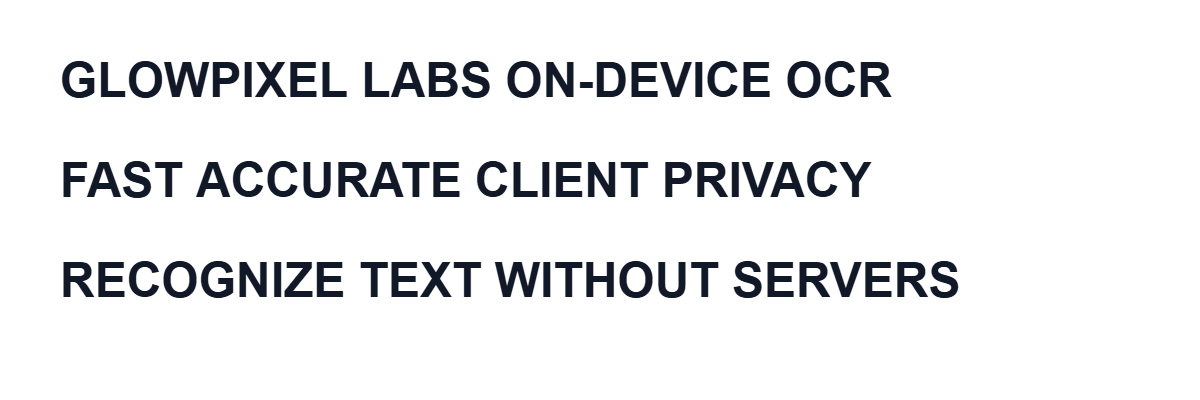
Standard editing runs on your device after the page and required code load. AI and OCR tools also need a first-use download of model, runtime, or selected language files; cached files can then be reused without sending your image away.
Is it free? Are there limits?
All live tools are free to use with no sign-up and no daily caps from us. Because the work runs on your device, there is no per-use server cost for us to pass on.
Which browsers are supported?
Current versions of Chrome, Edge, Firefox and Safari. Some features, such as AVIF or on-device AI, may need a recent browser version.
How does AI work if nothing is uploaded?
Background removal and upscaling download model weights, cache them in your browser, and run inference on your device. Image to Text similarly loads self-hosted OCR code and selected language data. Those requests contain no image data.
How is the site funded? Are there ads?
A deployment may show clearly labelled Google ads to keep the tools free. Google advertising code loads only after you accept advertising; declining or not choosing prevents that script from loading. Your photos are never provided to ads.